
Forum Skins (v10.x)
Related Links
Cool Blue
Current Version
2.0.1
Works With
WWF: 10.x
First Released
1st May 2008
Last Updated
26th May 2012
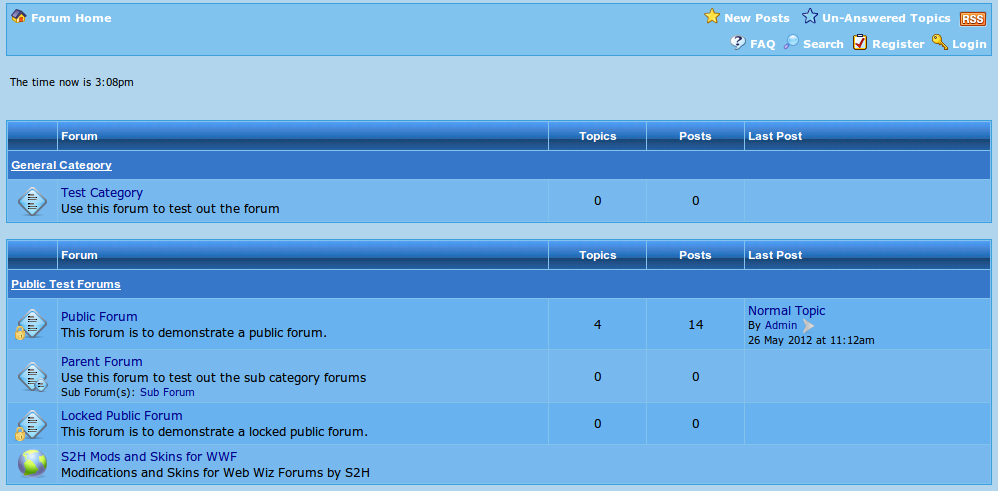
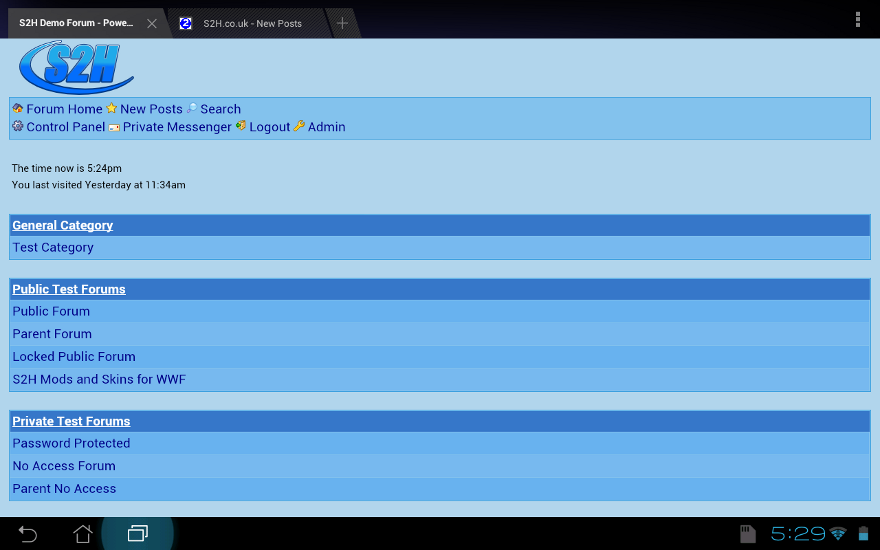
This is a light blue skin for Web Wiz Forum. This skin makes use of the existing Web Wiz Forum images and is just the CSS file.
Installation:
To install this skin simply upload the "cool-blue" folder found in the zip file into the "css_styles" of the forum.
Multiskin Selection:
If you are using the Multiskin Selection modification then you can simply add it to your skin list by copying the following details over:
    ' Cool Blue
    '============================
	saryS2HSiteSkins(x,1) = "Cool Blue"
	saryS2HSiteSkins(x,2) = "forum_images/"
	saryS2HSiteSkins(x,3) = "css_styles/cool-blue/"
	saryS2HSiteSkins(x,4) = " > "
	saryS2HSiteSkins(x,5) = "<a href=""http://www.s2h.co.uk/"">S2H.co.uk</a>"
	saryS2HSiteSkins(x,6) = ""
	saryS2HSiteSkins(x,7) = True
You will need to change the 'X' above to the relevant skin number, for more information you can find out how to add new skins.
Screenshots:


Version History:
Changes to version 2.0.1 (26 May 2012)
- Upgraded for compatibility with Web Wiz Forum V10
View full Version History.
Link To us
If you found this skin useful then feel free to add a link to it from your website. You can link to this page with the following code below: